Cross-platform · LAN file transfer
LanLink.
v4.3.3 — RobustnessSend files straight between your phones, tablets and computers over your own Wi-Fi. No internet connection, no accounts, no upload limits — your files never leave the room. Version 4 rebuilds the whole app around two verbs: Send and Receive.
What it does
-
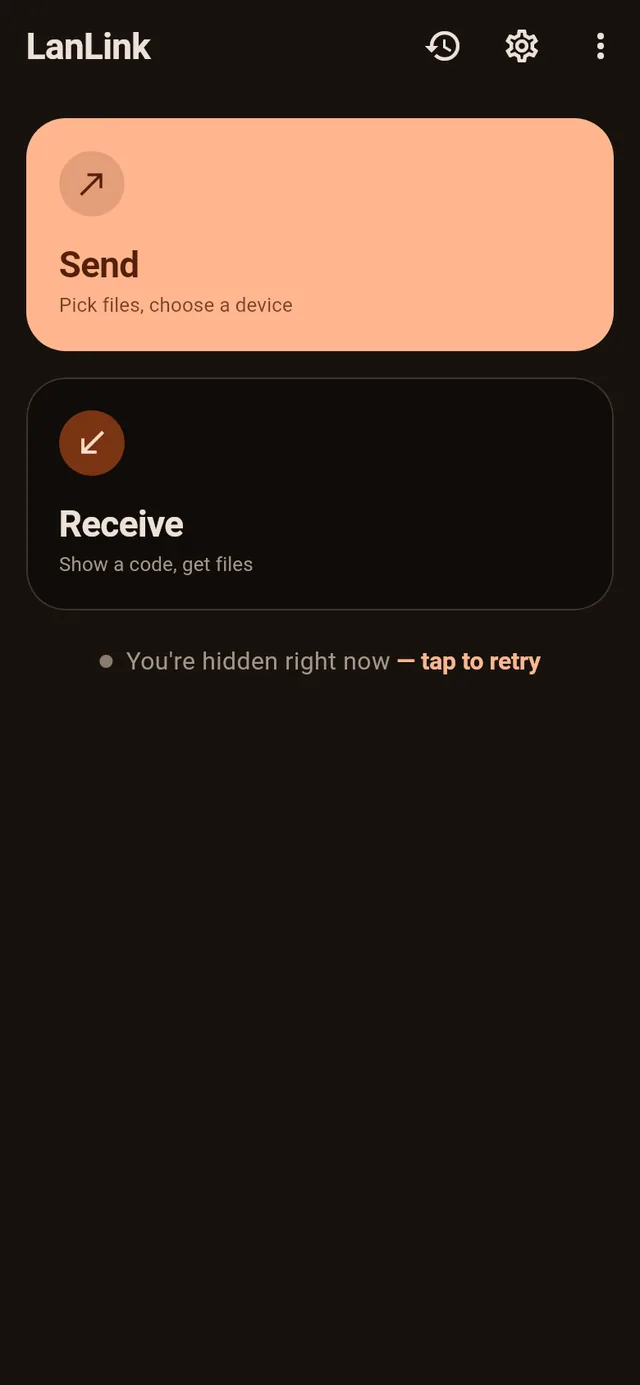
One app, two verbs
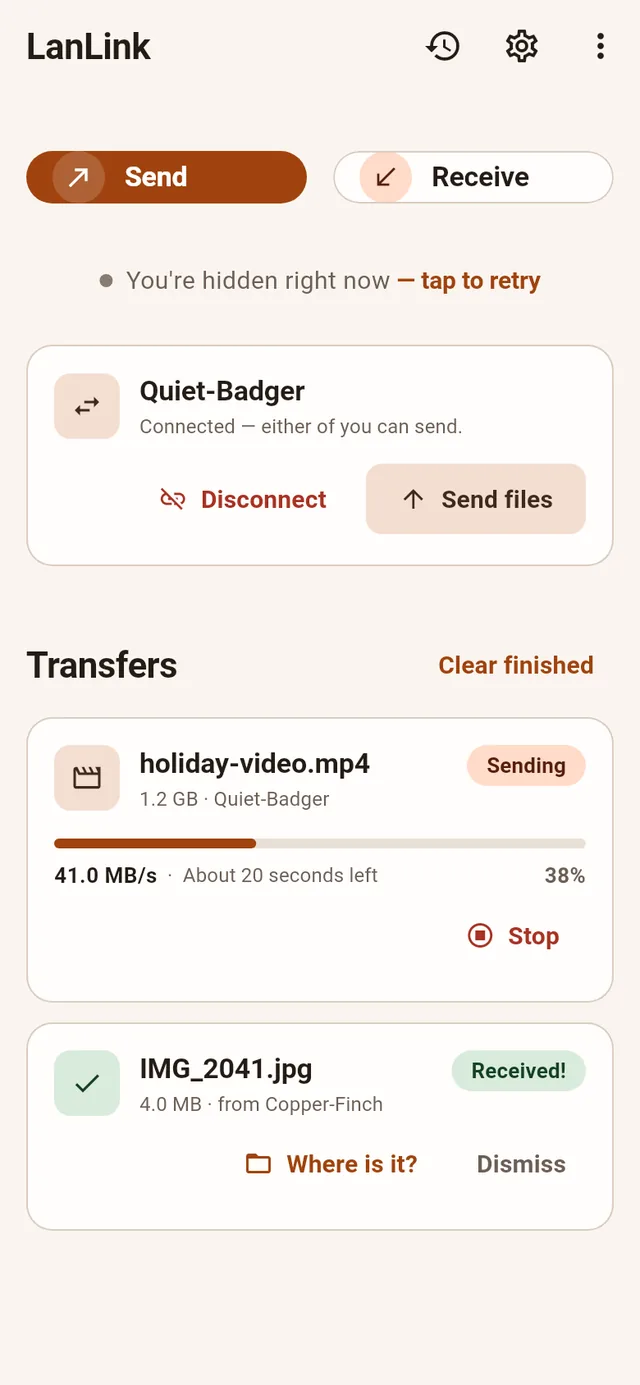
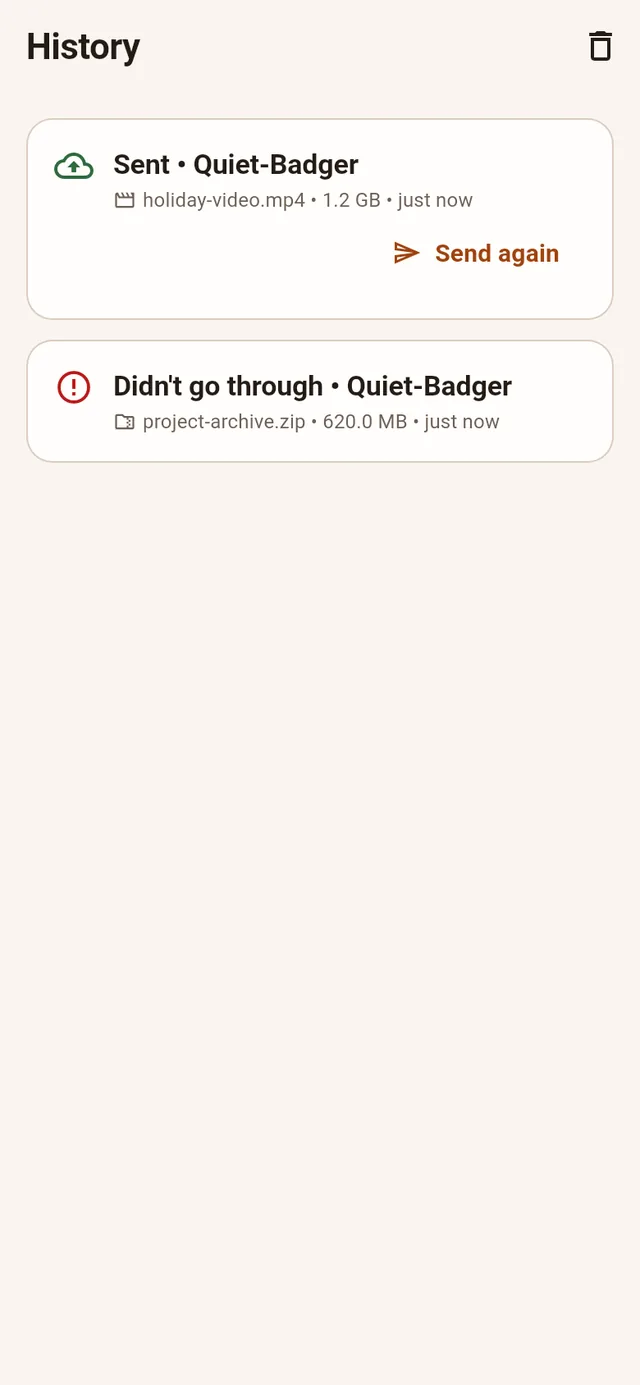
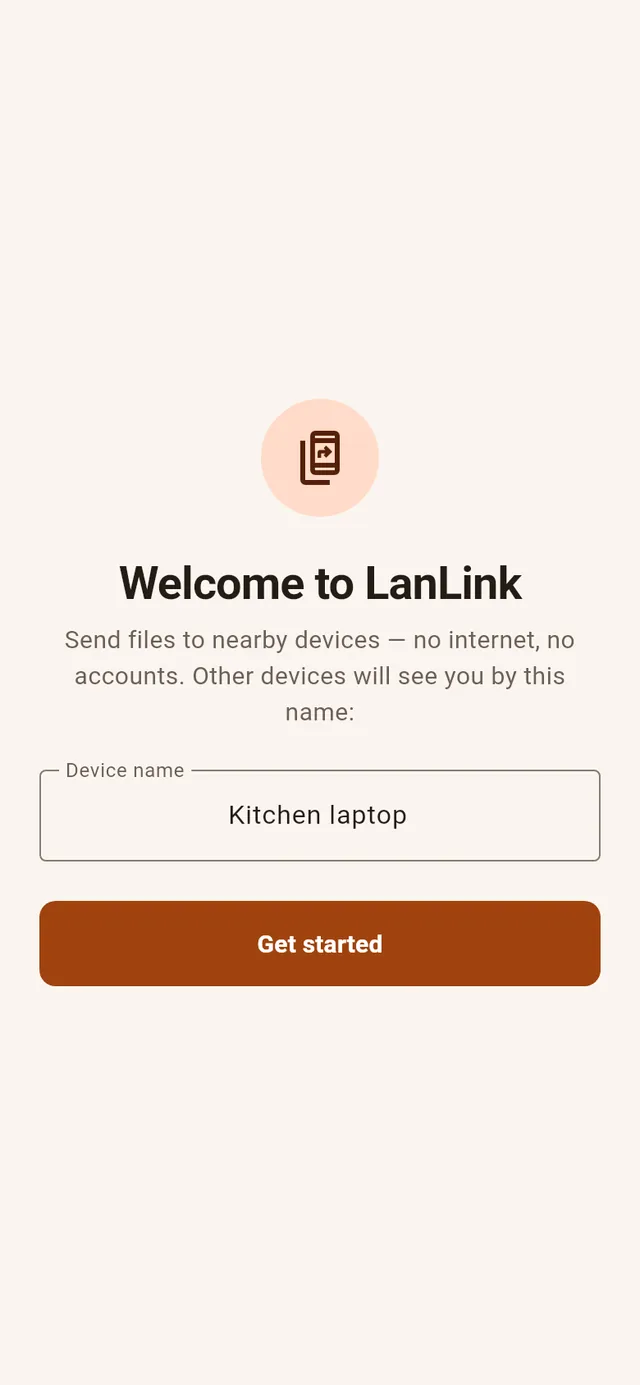
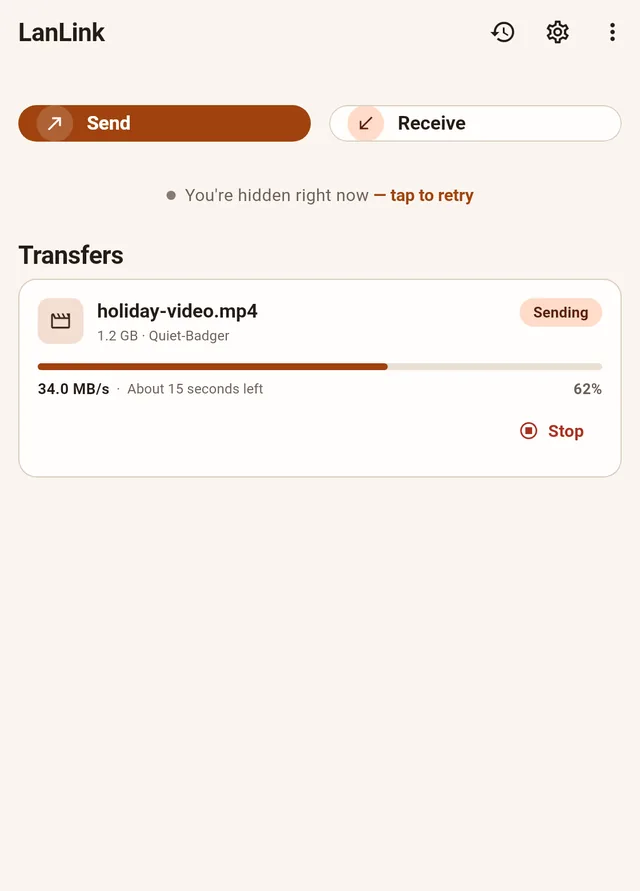
The home screen is just Send and Receive, with your active and finished transfers grouped below — dismiss, cancel, retry, or clear them in a tap. The old mode picker and setup wizard are gone: pick a name on first run and go.
-
Instant-QR receive
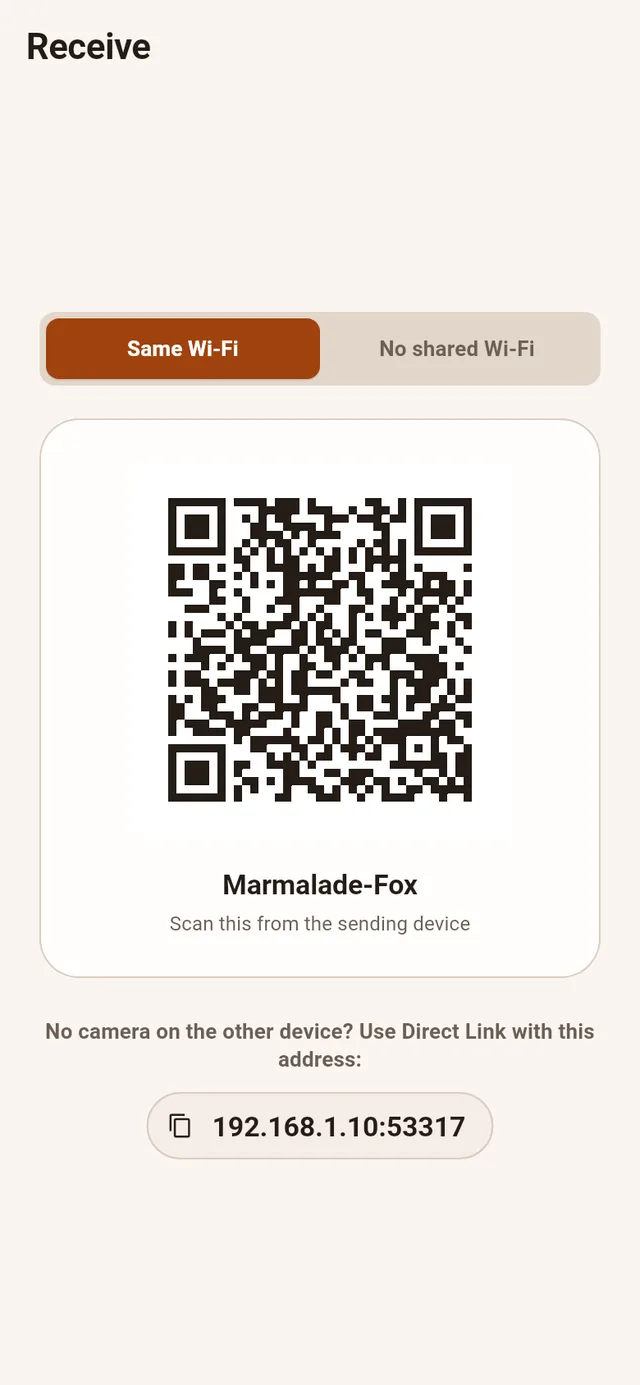
Tap Receive and a QR code appears immediately. The other device scans it and connects — each code is a one-time token that's re-minted automatically once used, so an old photo of your screen can't reconnect later. A Direct Link fallback covers devices without a camera.
-
Finds nearby devices automatically
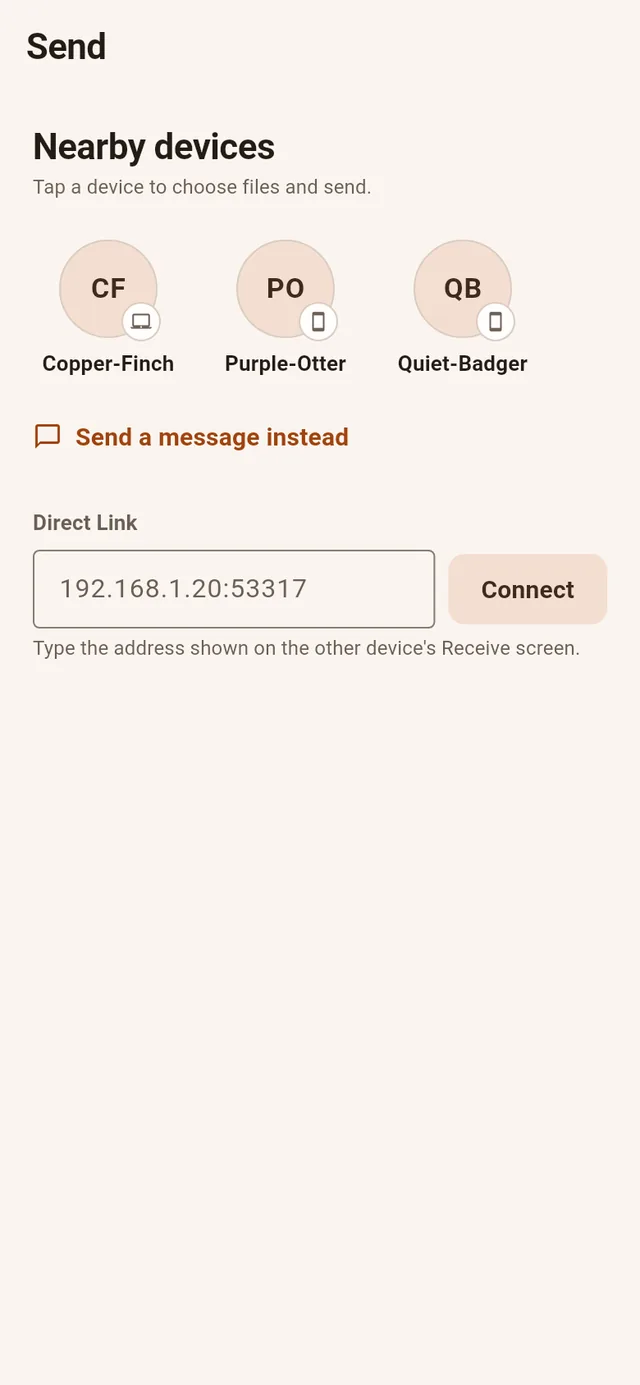
Open the app on two devices on the same Wi-Fi and they discover each other on the device radar — no IP addresses to type. Sending targets the device's cryptographic fingerprint, not its display name, so a look-alike name can never receive your files by mistake.
-
Verified by default
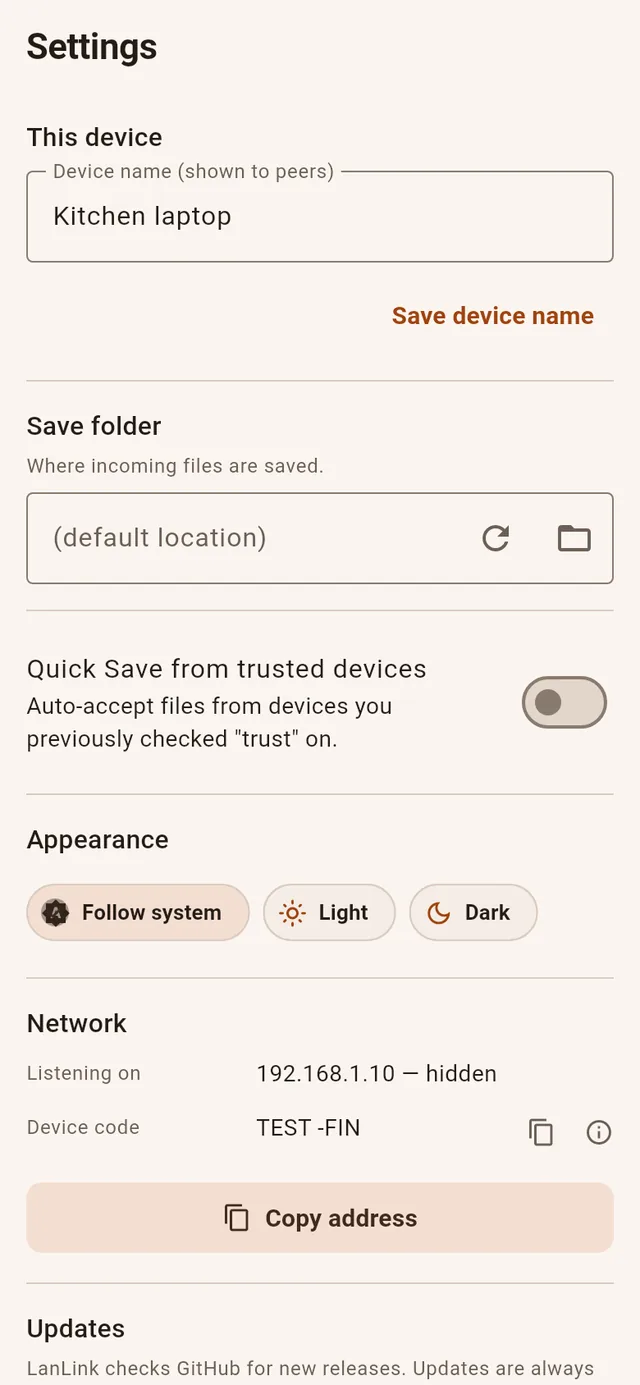
Devices are pinned by fingerprint, and the "always accept from this device" trust option is only offered when the sender can be verified locally — never based on a claimed identity. Upload tokens are single-use, so replayed requests are simply rejected.
-
Cancel from either side
Sender or receiver can cancel a transfer mid-flight and both ends stop cleanly. Failed transfers get a Retry button only when a retry can actually work, and completed receives have a "Where is it?" shortcut to the saved folder.
-
Direct, full-speed transfers
Files move device-to-device over your local network, so you get the full speed of your Wi-Fi with no cloud round-trip and no file-size cap. The v4 protocol is hardened against malformed requests and denial-of-service tricks.
-
New "Ember on Paper" design
A ground-up v4 design system: warm paper surfaces with a copper accent, in matching light and dark themes — not inverted defaults.
See it
How it works
-
Connect both devices to the same Wi-Fi network
Any home, office or school Wi-Fi works — the two devices just need to be on the same network.
-
Tap Receive on one device
A QR code appears instantly. On the other device, tap Send and scan it — or pick the device from the radar, or paste a Direct Link.
-
Pick files and send
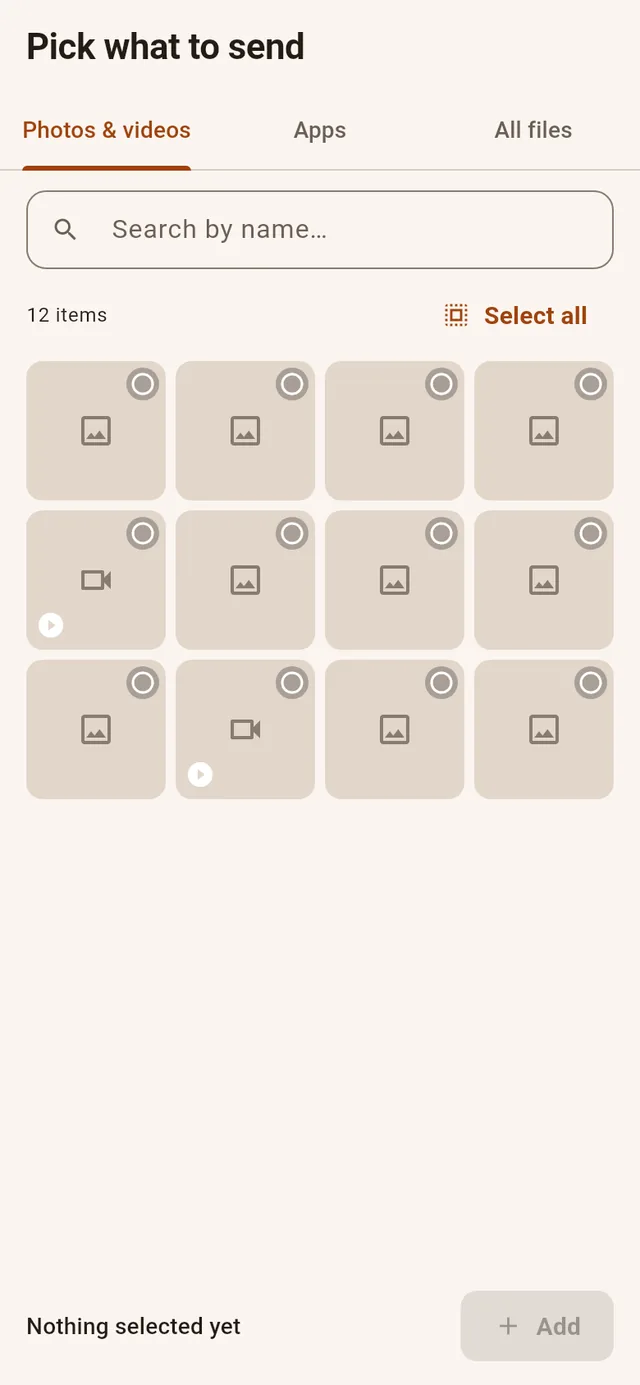
Choose what to send and accept on the other end. Either side can cancel at any time, and "Where is it?" takes you straight to the received files.
Supported platforms
Your files, your network
LanLink uses the open LocalSend wire protocol to move files directly between devices on your local network. There is no LanLink server in the middle, no sign-up, and nothing is stored in the cloud. If your devices can see each other on Wi-Fi, they can send to each other.
New in v4.2: hotspot transfers now hold full speed even with the screen off, big files stage instantly (LanLink streams straight from storage instead of copying into the app first), and the media gallery loads much faster.
New in v4.1: no shared Wi-Fi needed anymore — the receiver can host its own direct link (in-app hotspot) and the sender joins with one QR scan. The picker now shows your photos and videos properly and can send any file type, both paired devices can send, and there's a one-tap Disconnect.